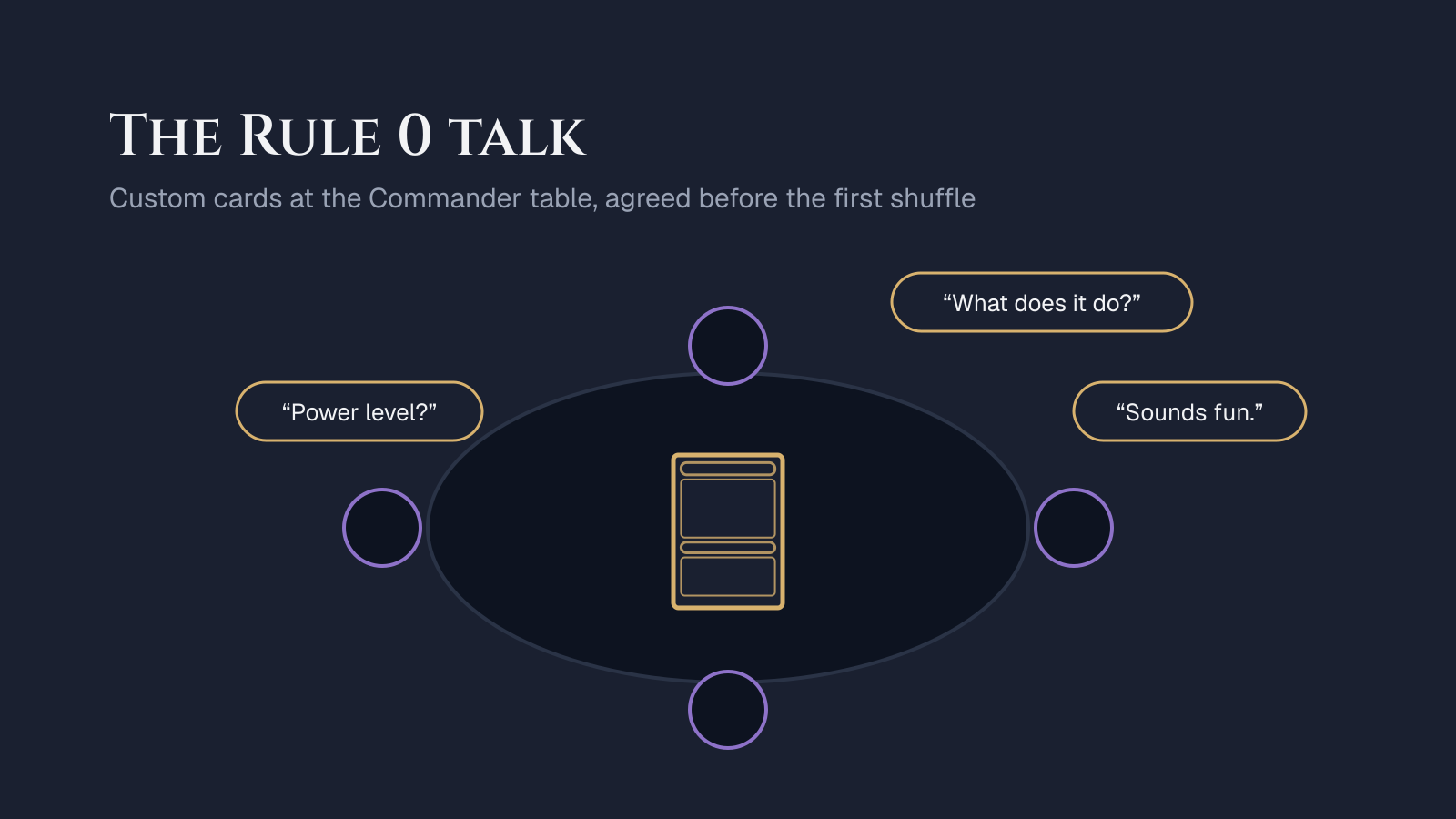
The Rule 0 talk is a short conversation, held before the game, where you ask the table if your custom cards are welcome. Do it early, ideally before game night, and send links to every custom card, the decklist, a one-line pitch with the deck's bracket and the real cards you will play instead if anyone says no. Then keep it brief and accept the answer.
What is a Rule 0 conversation?
In casual Commander, "Rule 0" is the shared understanding that the people at the table can agree on how they want to play. It started as a joke about house rules coming before rule one of the rulebook. It became a real habit: before the first shuffle, players talk about power level, combos, how long the game should take and anything unusual in their decks.
Custom cards are the most unusual thing you can bring. Nobody has seen them, they are not legal in any sanctioned format, and their power is your own estimate. That is not a problem. It is a reason to talk first.
When should you ask about custom cards?
Ask before game night, not at the table. A message to the group a day or two ahead does three things that a question at the table cannot:
- It gives people time to read. A new card read over someone's shoulder mid-game is the worst way to meet it.
- It removes the pressure. At the table, saying no feels like spoiling your evening. In a group chat it is an easy reply.
- It lets you prepare a fallback. If the answer is no, you still have a playable deck.
If you only decide on the day, ask before anyone shuffles, and offer to play a different deck if the table hesitates.
What should you send your playgroup?
Send four things, in one message. The goal is that anyone can understand the deck in two minutes on their phone.
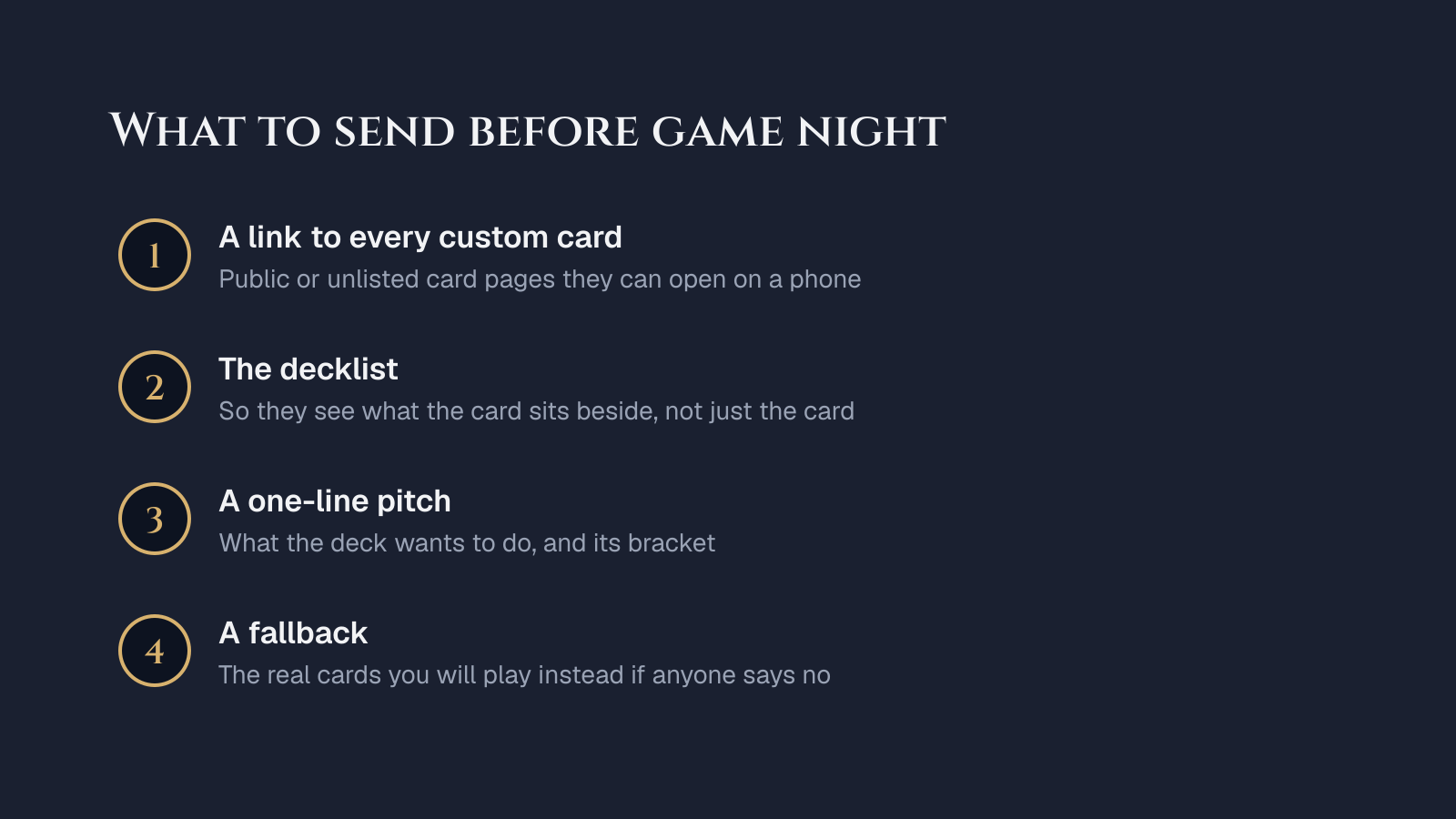
- A link to every custom card. On PipGlyph, publish the cards as public or unlisted. Unlisted cards have a page anyone with the link can open, but they stay out of the gallery and search. A shared link unfurls with the card's picture in Discord and most chat apps.
- The decklist. A card is easier to judge next to its deck. Build the deck in PipGlyph decks and share the deck page: it shows the custom cards beside the printed ones.
- A one-line pitch. What the deck tries to do, and its bracket. If a custom card pushes the bracket up, say which one. The guide on custom cards and Commander brackets walks through placing a card.
- The fallback. The real cards you will play in their place. Naming them shows you came to play, not to win an argument.
How do you make custom cards easy to read at the table?
Write the cards so a stranger could play them correctly without asking you.
- Template like a printed card. Triggered abilities start with "When", "Whenever" or "At". Costs come before the colon in activated abilities. The guide to writing Oracle text covers the patterns.
- Keep reminder text. If the card uses a keyword you invented, print its reminder text in parentheses, every time.
- Print legibly. A proxy printed at true card size is easier to read than a phone screen. The proxy printing guide covers paper, scale and sleeves.
- Make customs recognizable. Many groups sleeve custom cards in a different sleeve color. Every image PipGlyph displays also carries a small pipglyph.com mark, so a custom card is never mistaken for a printed one.
What if someone says no?
Thank them and play the fallback. A Rule 0 answer is about that game and that table, and it often has reasons you cannot see: a long week, a new player at the table, a bad experience with a homebrew deck years ago.
Two things help next time:
- Offer a test game. A low-stakes game where everyone knows the deck is an experiment lowers the bar more than any pitch.
- Ask what would change their mind. Sometimes the answer is one card. Cut it, and the deck is welcome.
A short script you can borrow
"I've been building a deck with five custom cards. It plays at about bracket 2; the strongest custom is a legendary creature that draws a card when you sacrifice a token. Links below. If you'd rather not play against customs, I'll swap them for the real cards listed underneath."
It names the number of customs, the bracket and the strongest card, and it offers the fallback before anyone asks. Adjust the details to your deck and your group.
Keep a changelog
After a game, note what felt off and change the card, then tell the group what changed. Editing a card's rules on PipGlyph updates its page, so the playgroup sees the current version. A custom card that improves after feedback is the best argument for the next Rule 0 talk. To start one, open the card creator.
Frequently asked questions
What is Rule 0 in Commander?
Rule 0 is the casual Commander habit of agreeing on house rules and expectations before a game. It covers power level, banned strategies and, for custom cards, whether homemade cards are welcome at all. It is a conversation between players, not a rule in the Comprehensive Rules.
Should I tell my playgroup about custom cards before game night?
Yes. Sending the cards a day or two ahead lets everyone read them at their own pace and ask questions without holding up the table. A link to each card's page, the decklist and the deck's bracket are usually enough.
What do I do if someone at the table says no to my custom cards?
Accept the answer and swap in the real cards you prepared as a fallback, then play. A no is about that game, not about you, and offering a test game later usually goes further than arguing the case now.
How do I make custom cards easy to recognize at the table?
Template the rules text the way printed cards do, keep reminder text for any new keyword, and print the cards so the text is legible. Many groups also sleeve custom cards in a different sleeve color so nobody mistakes one for a printed card.